
Quicklinks
POLICIES
- Along with answers to our written profile questions, as a new photographer you will submit a portfolio of diverse vacation-style photos for us to review. From your submission, we will choose the best images to include in your public profile based on our outlined criteria. This means we will set up your initial portfolio and profile page.
- After you’ve been added and your profile is public, you can update your portfolio and profile at any time. We recommend you update both your profile and portfolio often to keep things fresh and showcase your best work!
- It is your responsibility to always ensure the photos in your portfolio are allowed to be shared. If adding photos from your personal photography business, please ensure you have the customer’s permission. For adding Flytographer photos, the customer must have marked the photos as ‘Shareable’ on their feedback form. Learn more about shareable photos here.
- Testimonials are automatically added to your profile as they come in. If a customer has opted to share at least one photo, an image from their shoot will appear beside their testimonial.
PORTFOLIO CRITERIA
Flytographer is the world’s first global vacation photography service and we have always been #1 in terms of bookings, sales, marketing, exposure and quality. Since 2013, we have carefully researched and spent time understanding our market; to that end, as experts in marketing and selling vacation photography, our team chooses all images on a photographer’s new portfolio based on a set of criteria, with the most important being:
- Customer has agreed to share
- Flytographer brand style
- Strong sense of place where city landmarks and landscape are visible
- Diversity of customer types (couples, families, solo travellers, etc.)
- Diversity in who’s represented (LGBTQIA2S+ clients, and clients across different races, ages, and abilities)
- Variety of shoot locations and backgrounds
Other important criteria include:
- Minimizing close-ups
- Choosing colour images, not black & white images
- Not including any wedding photography
Additional Resources
WHAT TO INCLUDE IN YOUR PORTFOLIO
⭐️ Watch our 2 Minute Video on how to build a great Flytographer portfolio! ⭐️
Do Include 👍
- 12 – 45 Colour Images
- Diversity of customer types (couples, families, solo travellers, etc.)
- Diversity in who’s represented (LGBTQIA2S+ clients, and clients across different races, ages, and abilities)
- Photos that are beautiful examples of your work AND in line with the Flytographer Brand Style
Don’t Include 👎
- Images of couples in wedding outfits
- Black & White edited images
- Images without a face in focus (i.e. backs of heads, detail photos, landscape photography, etc.)
- Silhouetted images
AMAZING PORTFOLIO PHOTO EXAMPLES

Photo: Michael in Chicago

Photo: Olga in Paris

Photo: Natasha in Bangkok

Photo: Akemi in Dubai

Photo: Sarah in Berlin (photo taken in Prague)

Photo: Allen in Seoul

Photo: Ufuk in Istanbul

Photo: Conie in Cancun
HOW TO UPDATE YOUR PORTFOLIO
- Log in to your Flytographer account
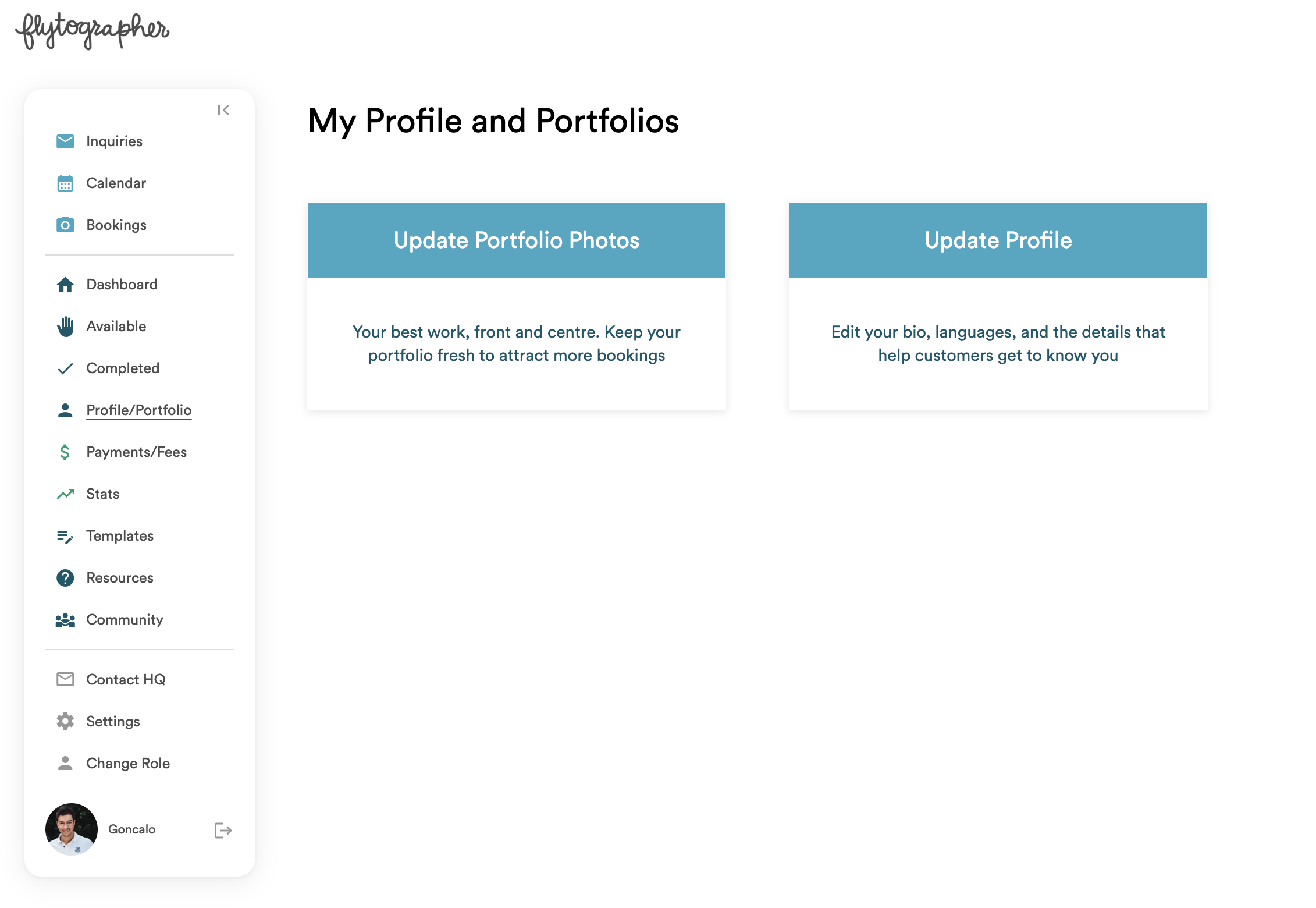
- Navigate to Profile/Portfolio
- Click Update Portfolio Photos
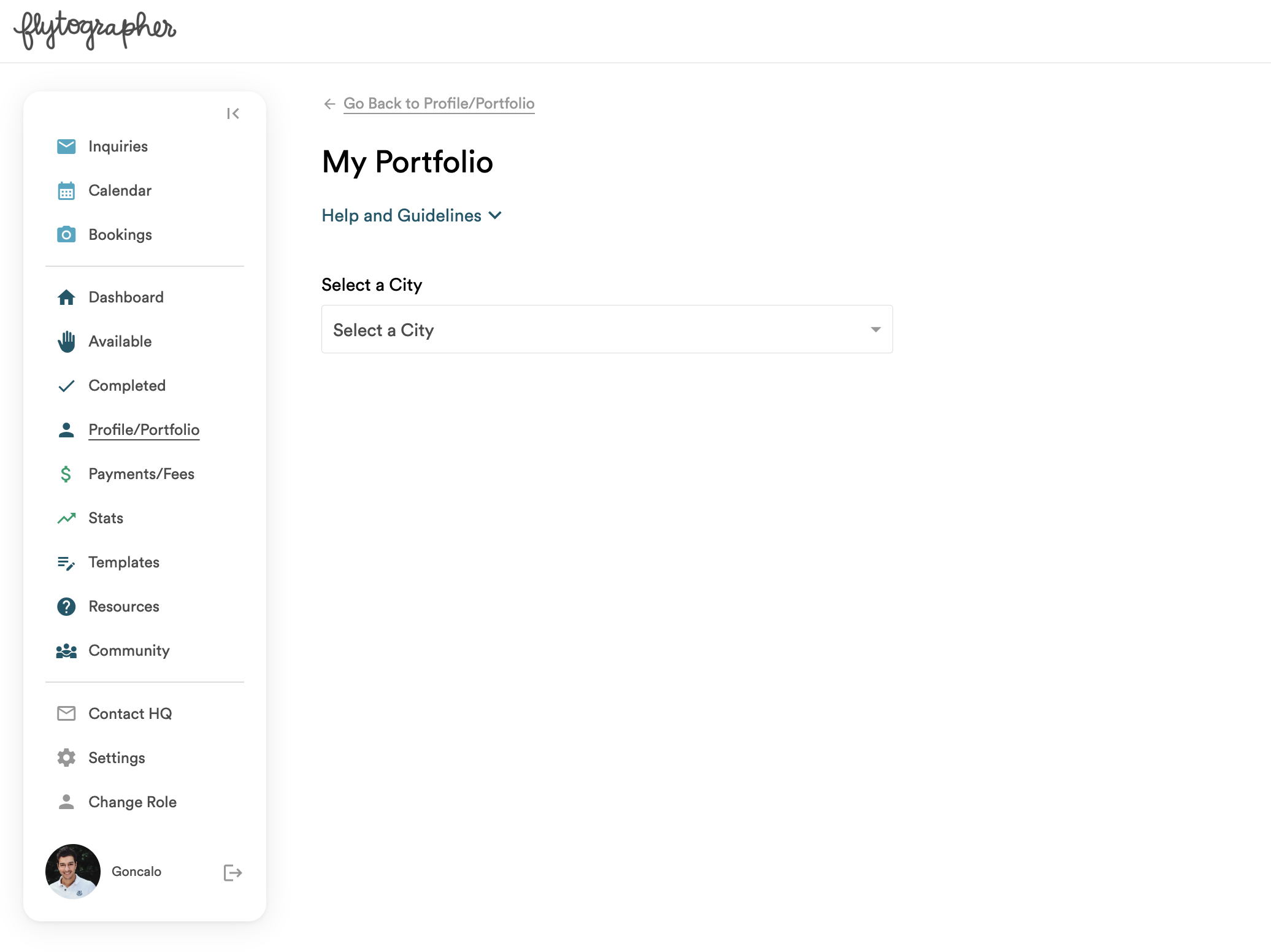
- Select a city – if you shoot with us in more than one city, each city will have its own portfolio
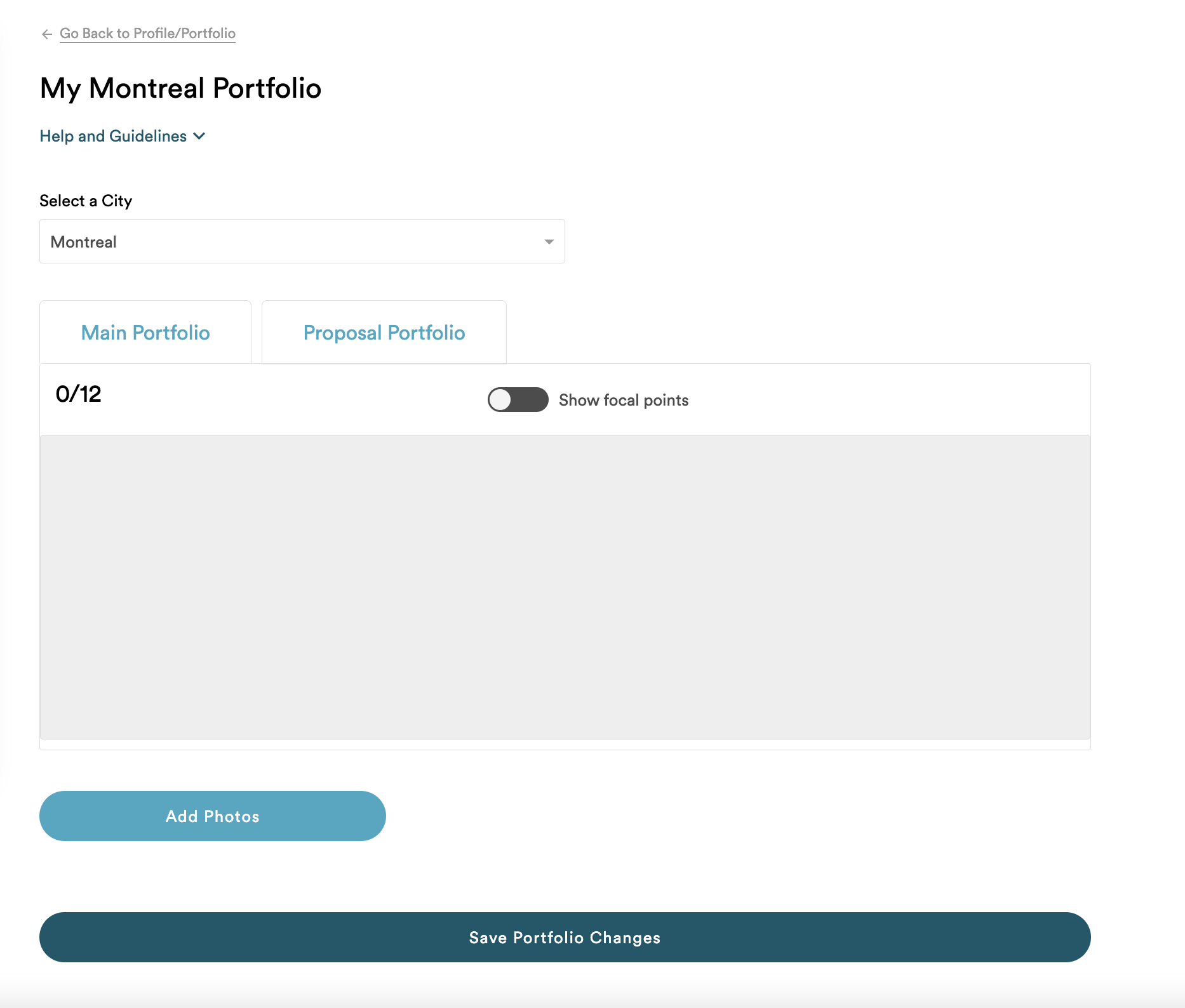
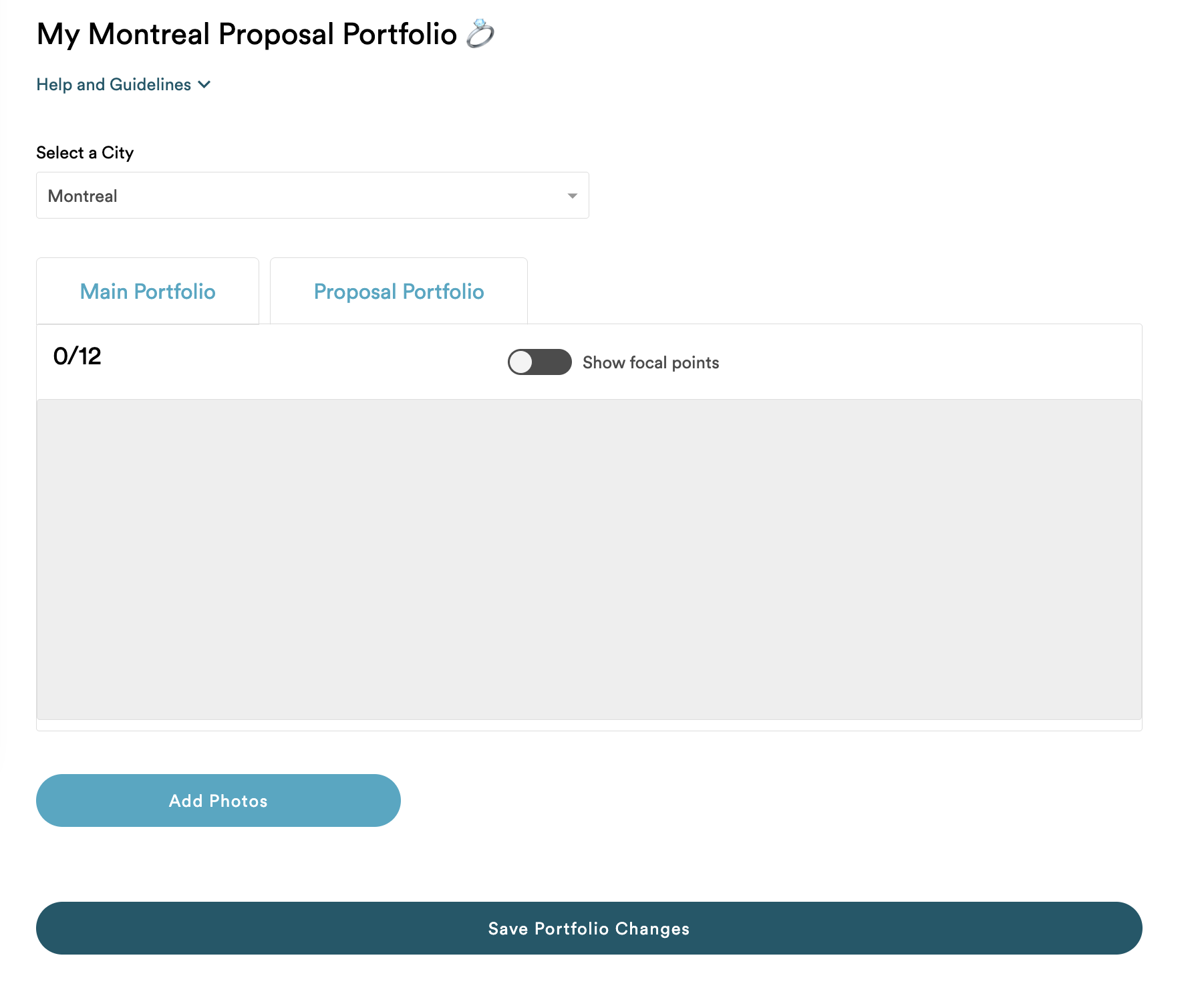
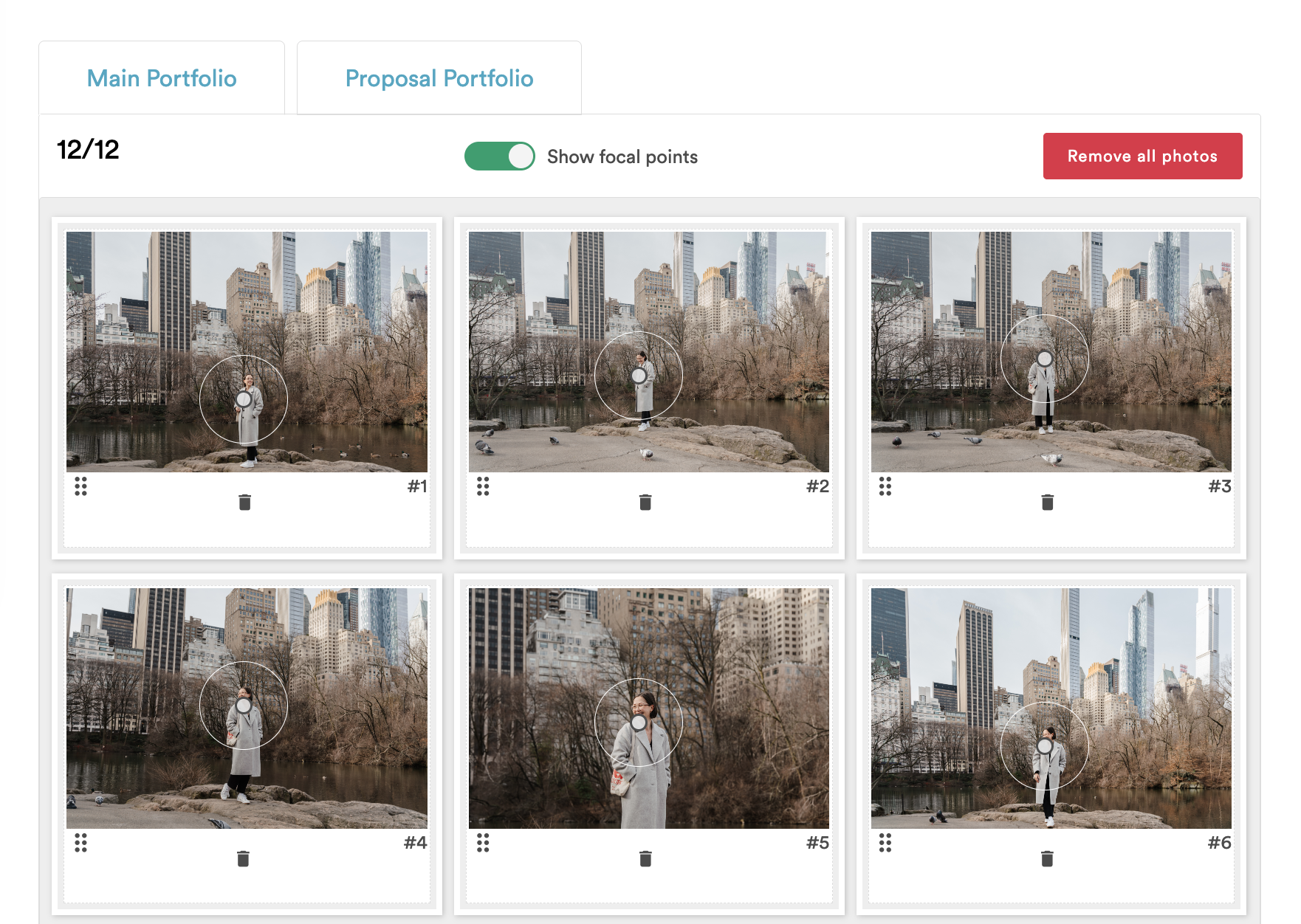
- Choose to update your Main Portfolio or Proposal Portfolio (we’re launching proposal-specific profile pages later this year!)
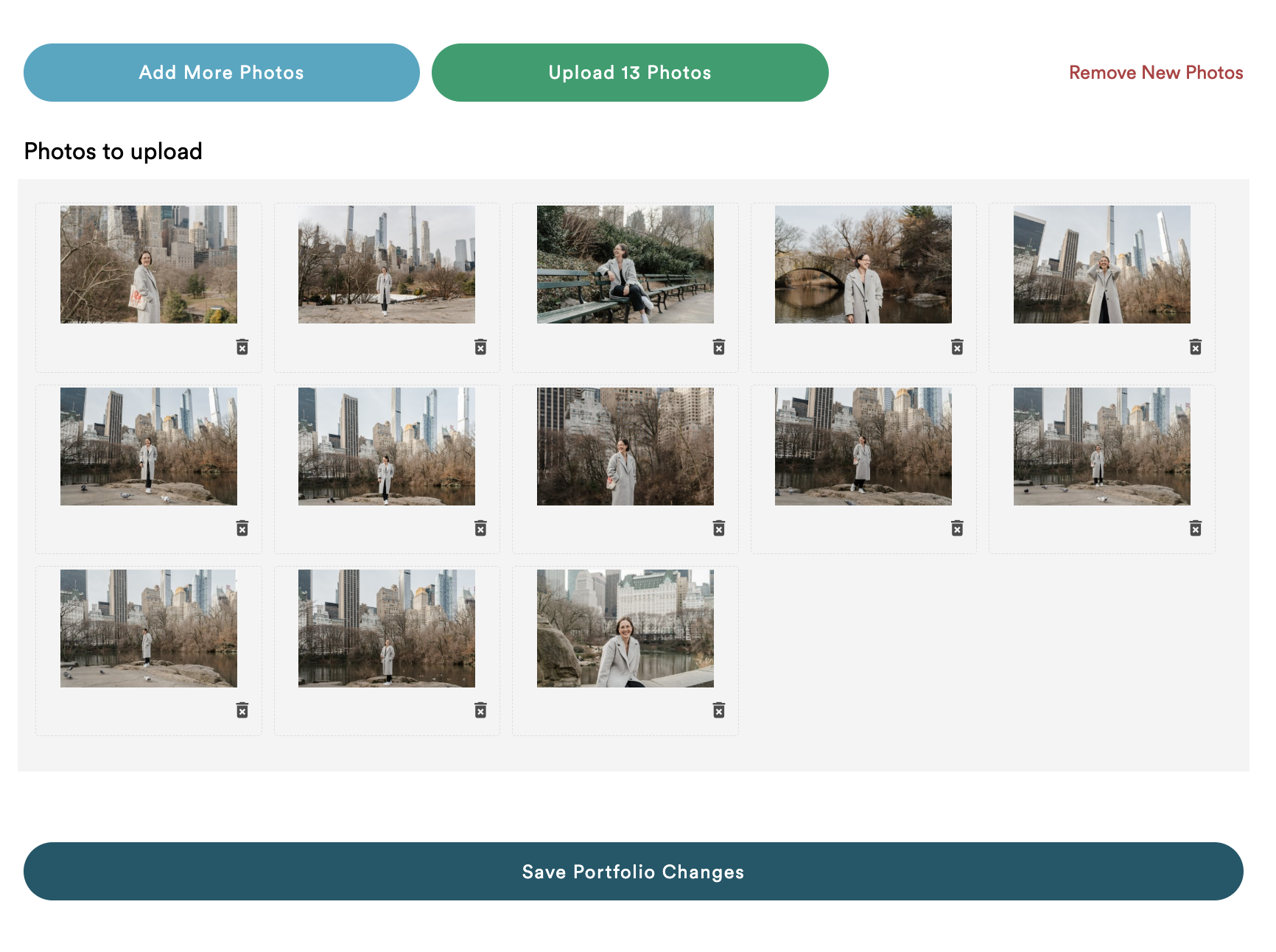
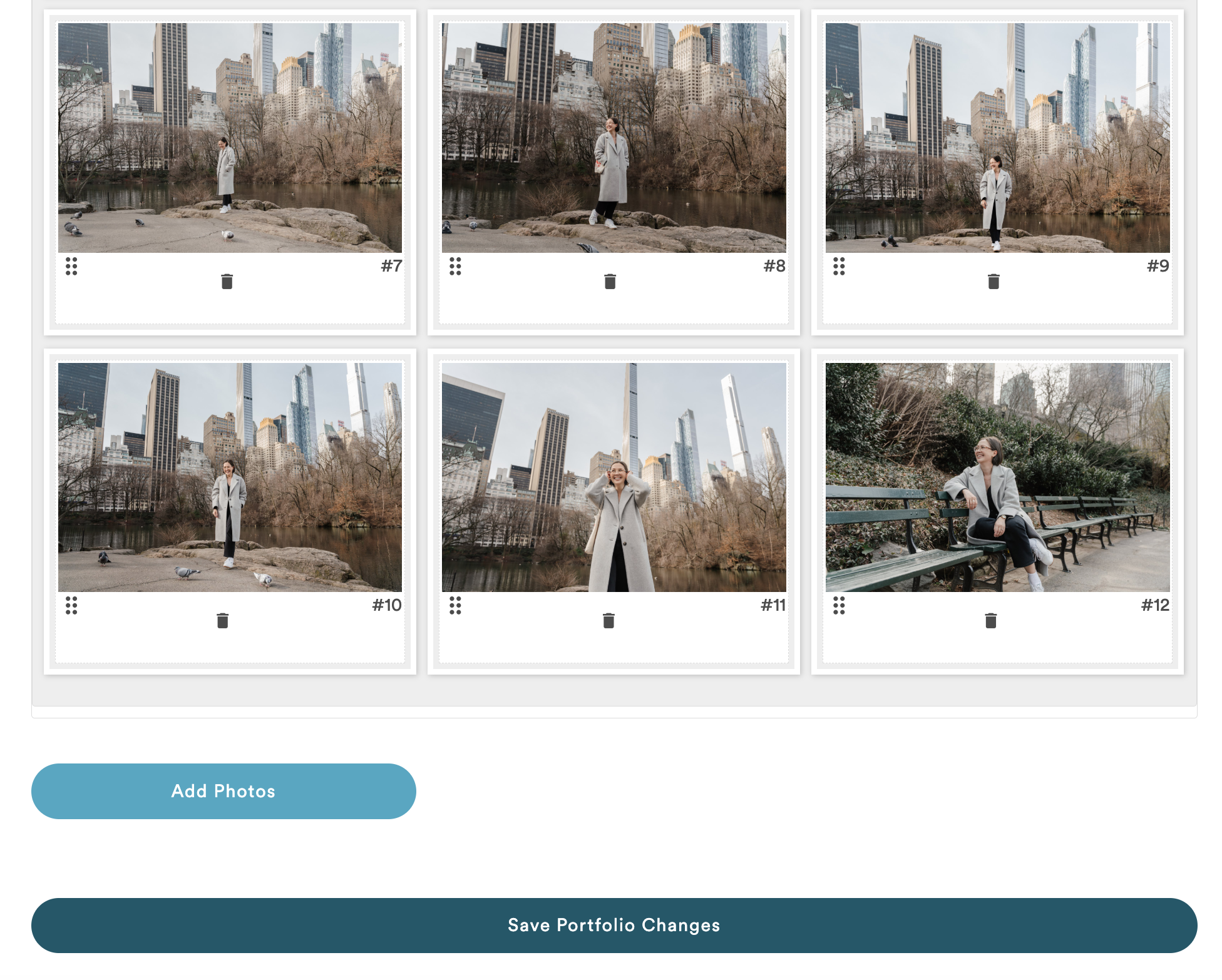
- Scroll down and select Add Photos to choose photos from your computer
- Review your selected photos and click Upload Photos to add the photos to your portfolio
- Toggle Show focal points to set the focal point on each photo to ensure they are properly cropped on different screen sizes as needed
- Turn off the Show focal points toggle to re-order your gallery if necessary
- Make sure you click Save Portfolio Changes to save all your changes
Want to remove a photo? Remove individual photos by clicking on the trash can icon. Remove all photos by clicking ‘Remove All’. Again, make sure you click Save Portfolio Changes to save all your changes
HOW TO UPDATE YOUR PROFILE
- Log in to your Flytographer account
- Navigate to Profile/Portfolio
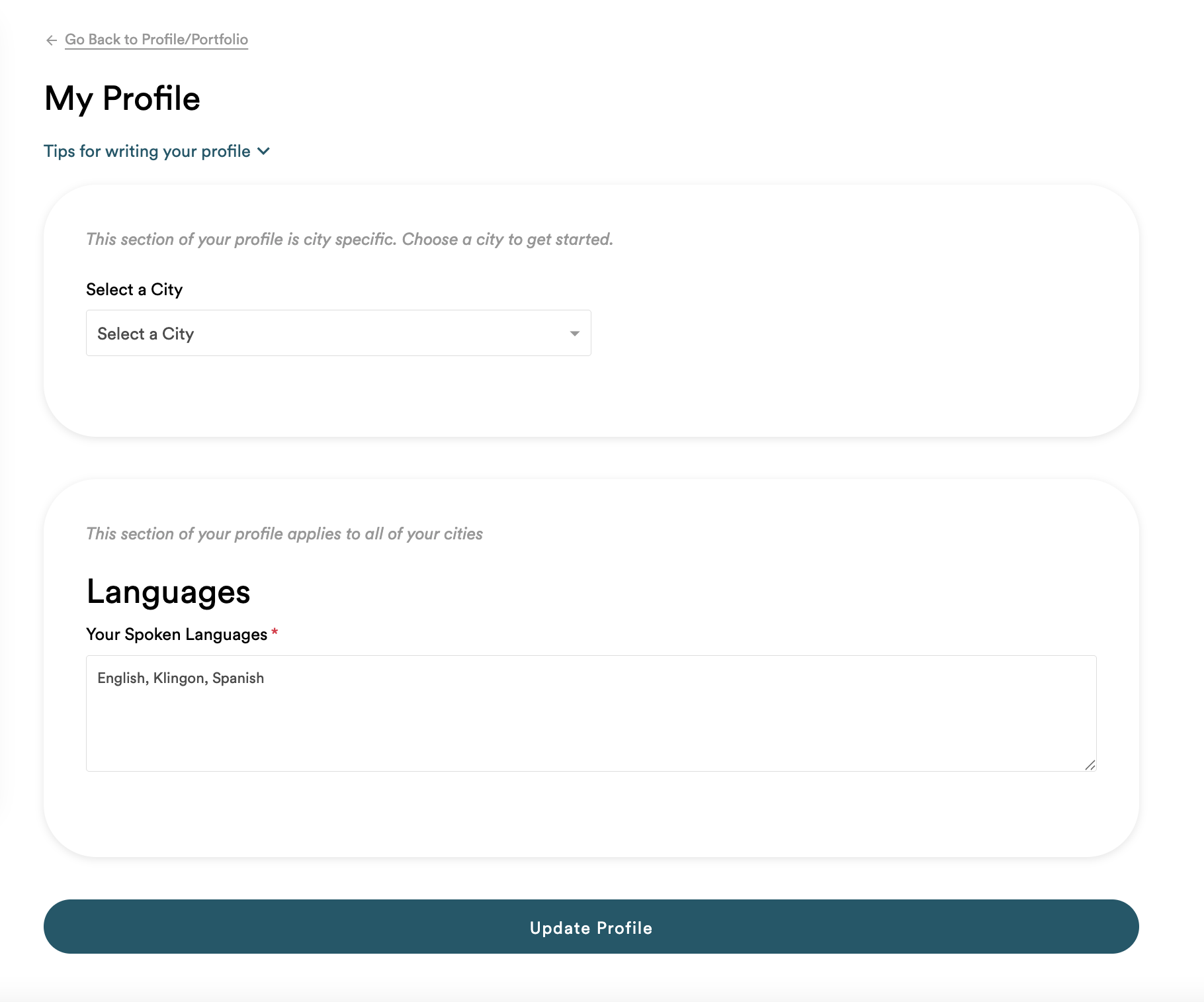
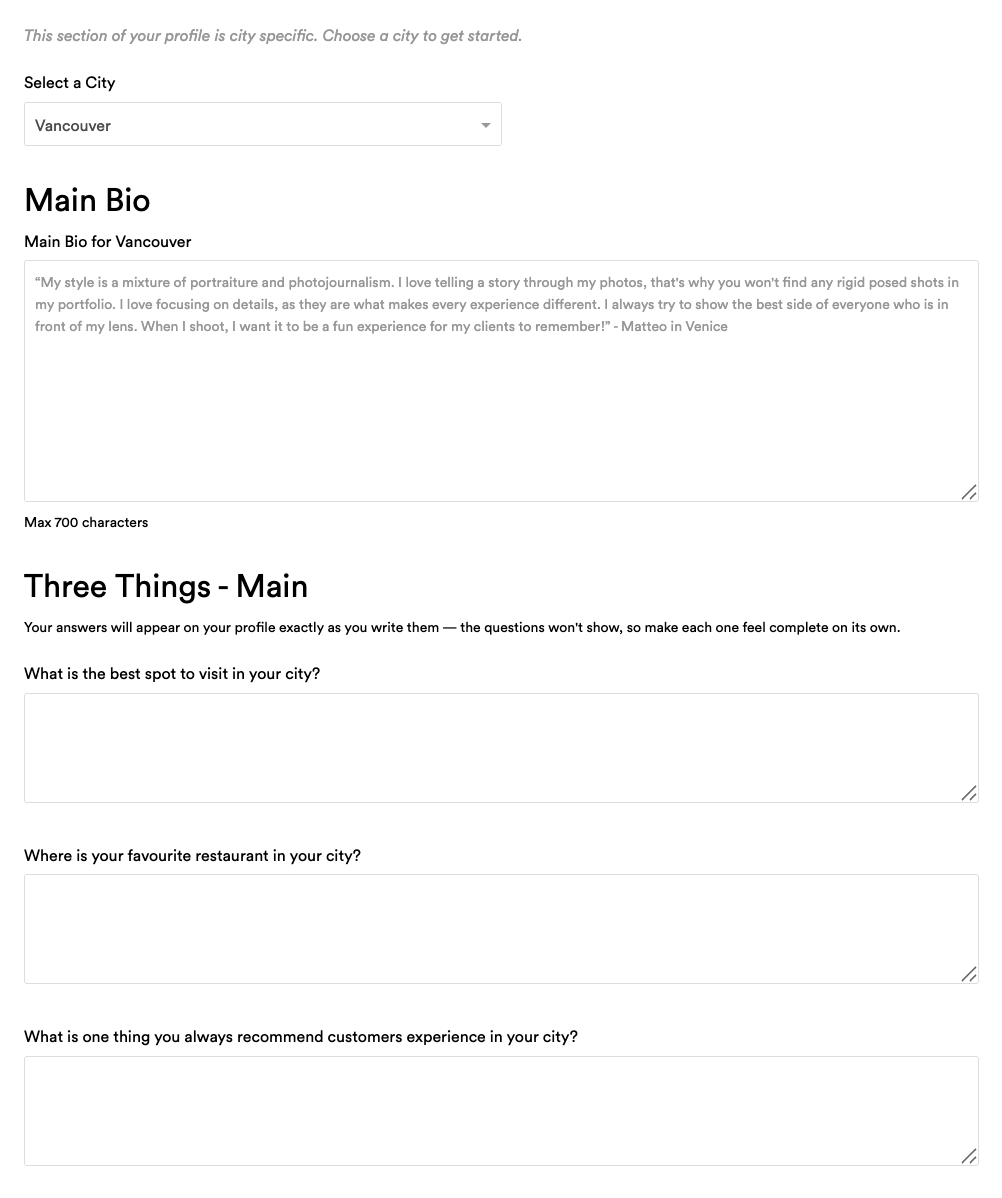
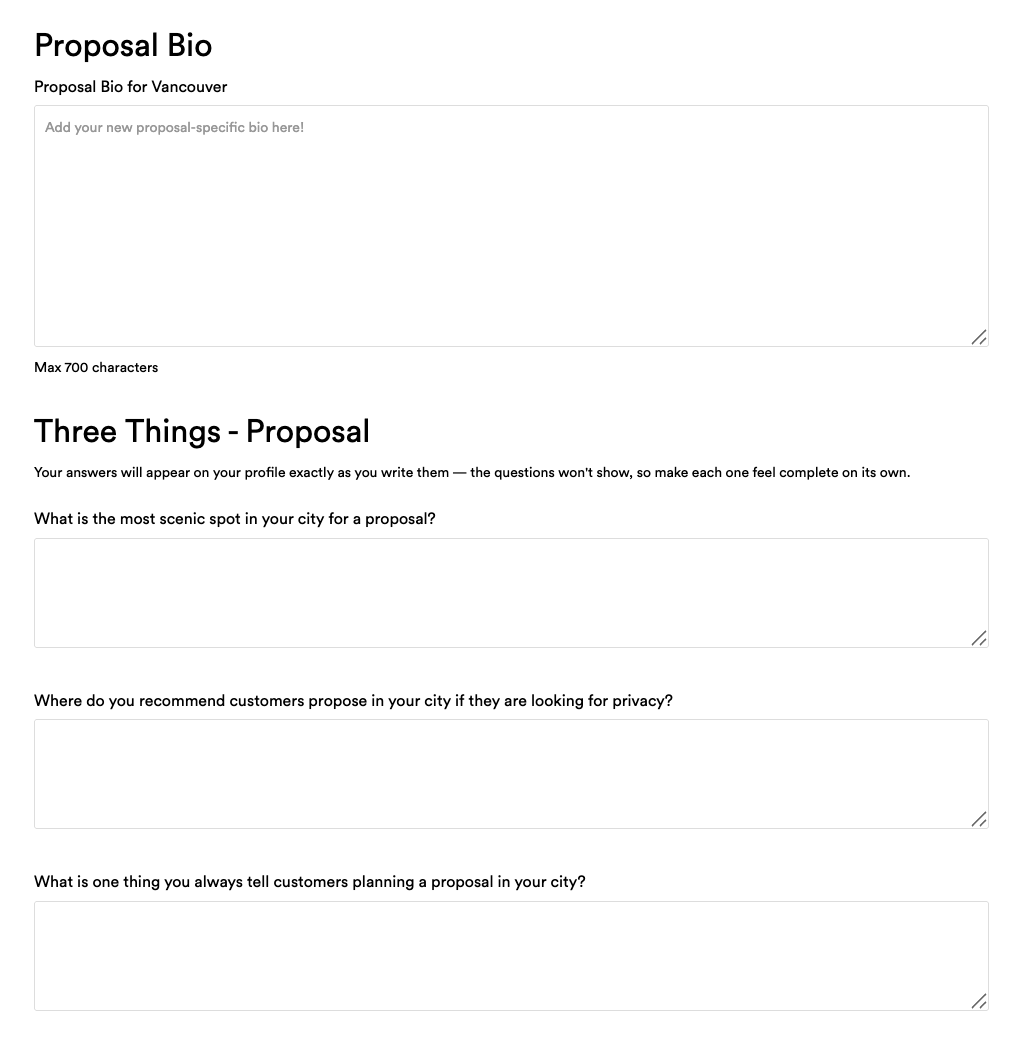
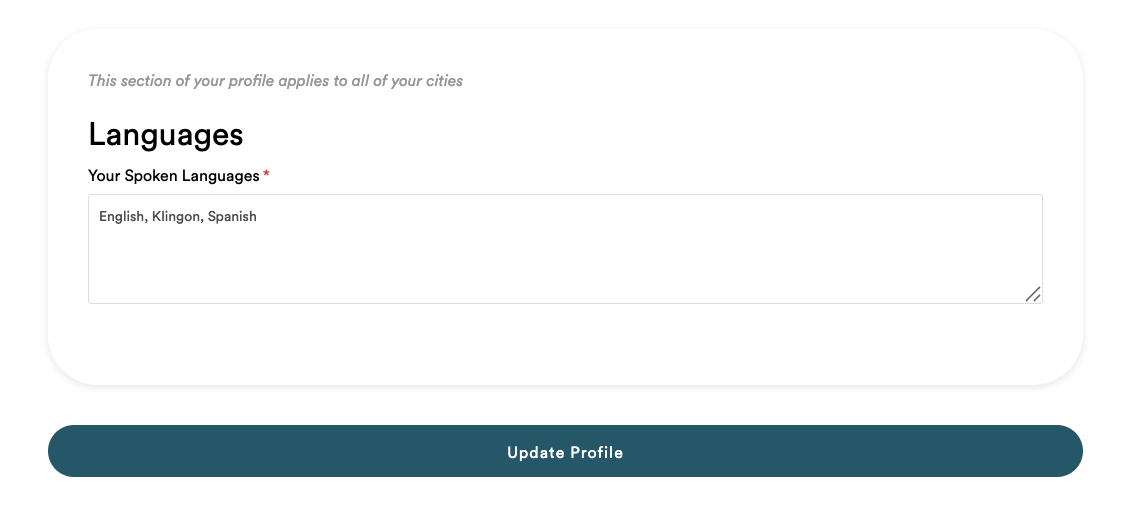
- Click Update Profile
- Select a city – if you shoot with us in more than one city, each city will have its own profile
- Update the written information in your Main Bio, Three Things, Proposal Bio, Proposal Three Things (we’re launching proposal-specific profile pages later this year!), and Languages
- Make sure you click Save Portfolio Changes to save all your changes
FAQ
I’m moving! Can I change my city?
Please email us at photographer@flytographer.com to let us know as soon as you can and if we’re looking for additional photographers in that city we can help create your new profile.
For your new profile page, please send us a portfolio of photos for your new destination. Send a Wetransfer, Google Drive link or a Dropbox link containing 15-20 images that meet our portfolio criteria. If you don’t have enough photos before you move, just let us know once you’re ready and we will activate your new profile at that time
How can I be temporarily listed in another destination when I travel?
To be listed in another destination, you need to meet the following requirements:
- You are legally eligible to work in the country of that destination.
- You will be based in that destination for at least 3 months at a time.
- You have 15-20 portfolio images taken in that destination. This likely means you will need to spend time compiling a portfolio once you arrive and then submit it before becoming active on the website.
- Update your original city calendar for the dates you will be away. When your new city calendar is available, make sure to update that one too, blocking off all days before you arrive and after you leave. Find instructions on how to update your calendar here!
How can I update the routes listed on my destination’s page?
For every destination we service, we showcase around 2-4 amazing routes to shoot. These spots are chosen by you, our photographers — the local experts! If you believe edits are required to any existing routes in your destination or if you have a suggestion for a new one, please email us at photographer@flytographer.com.