
To help save you time, we have created response templates that you can use for your personal note when responding to a customer’s inquiry instead of writing out something new each time.
You can write up to ten custom response templates that are available only to you. You can edit your template before sending it as a response so that you can personalize it for each customer. (Tip 🌟: A little bit of personalization and a lot of enthusiasm go a really long way in helping you get that booking!)
QUICKLINKS
CREATING RESPONSE TEMPLATES
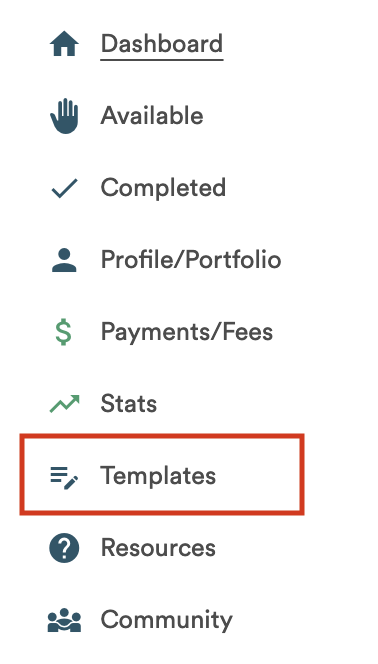
Click the option Templates in your main menu. This is where you can add, edit, and delete your custom response templates.
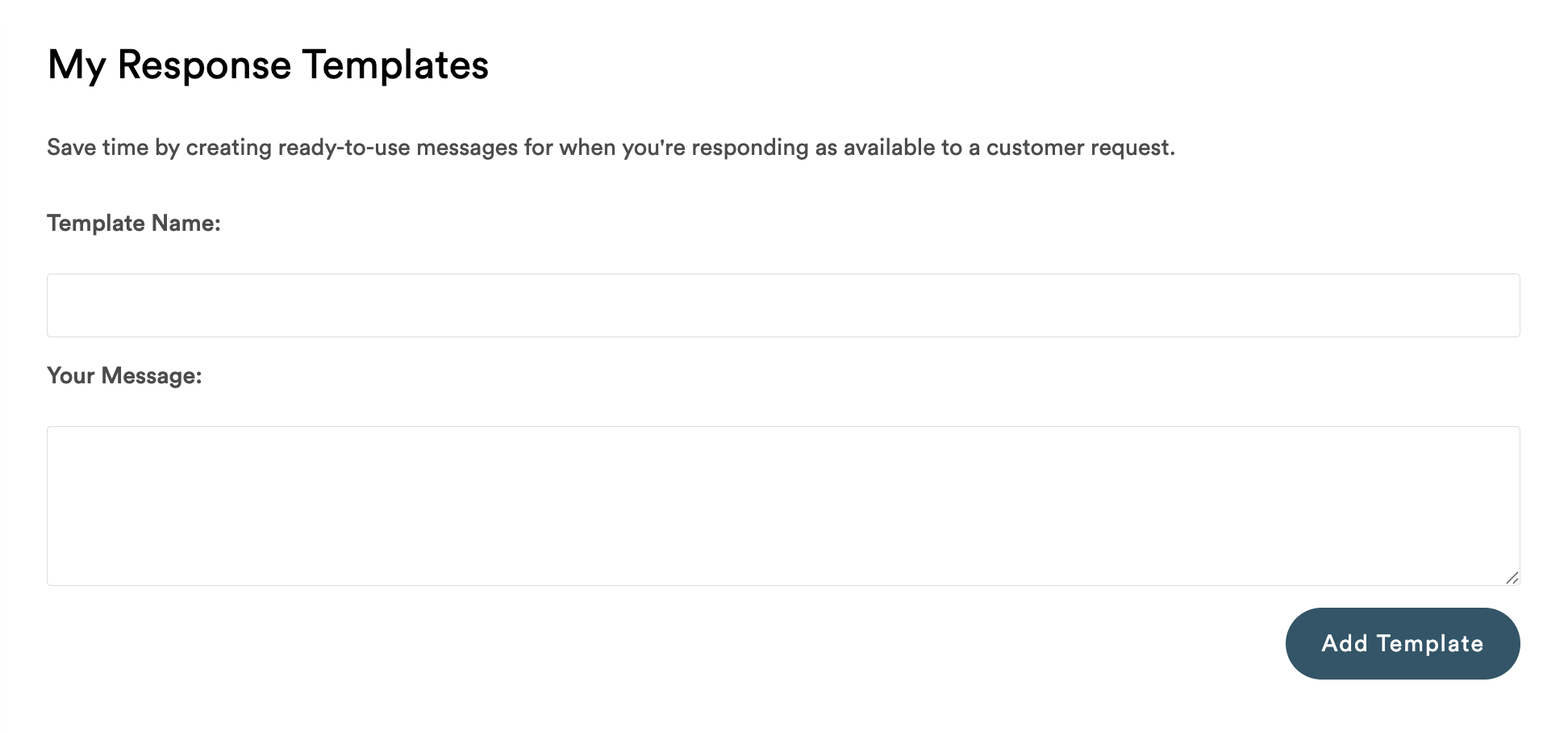
To add a new template, write a Template Name and Message and then click Add Template. Template Names are not customer-facing. Only you will see the Template Name when you choose which template to use when responding to an inquiry.
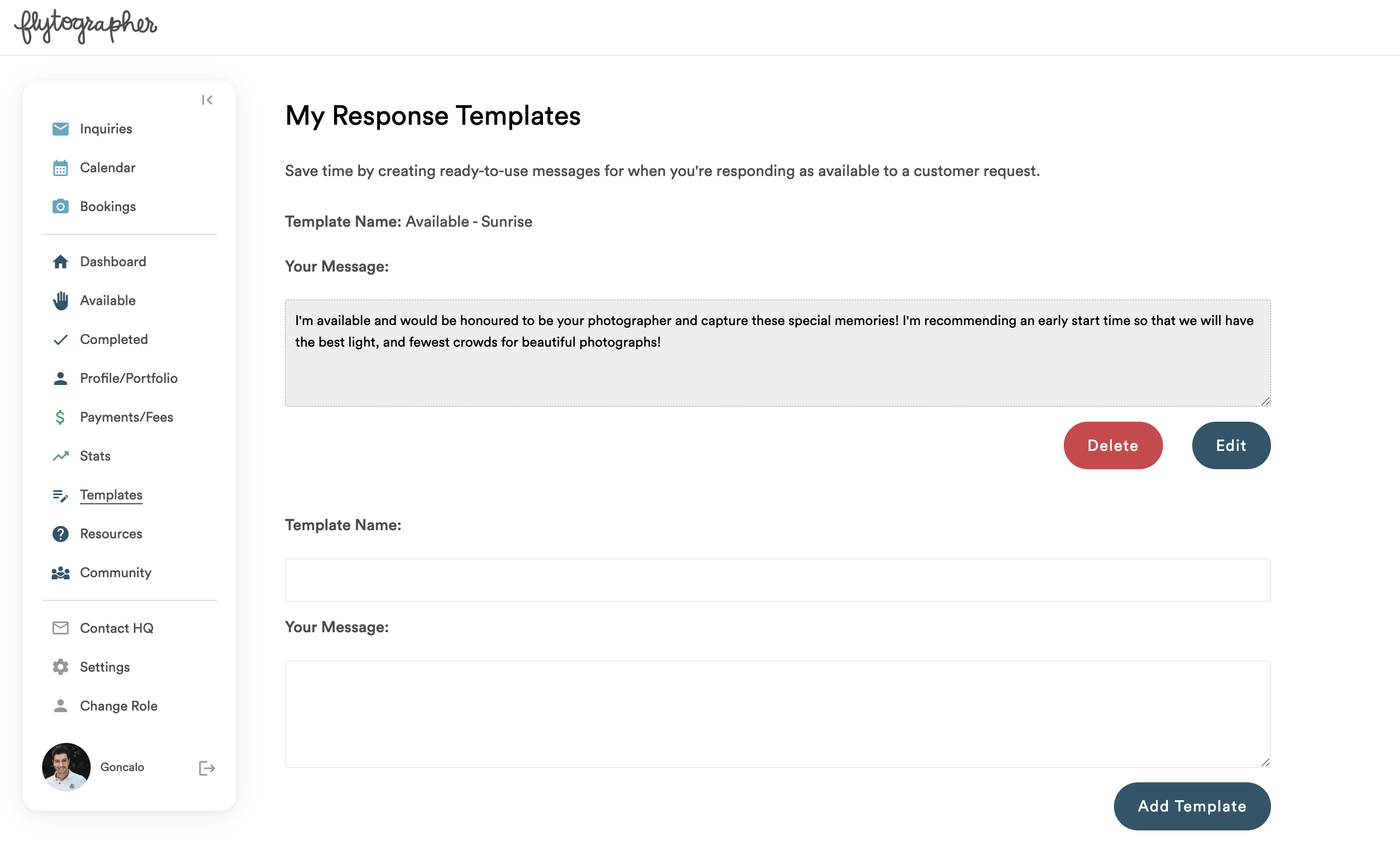
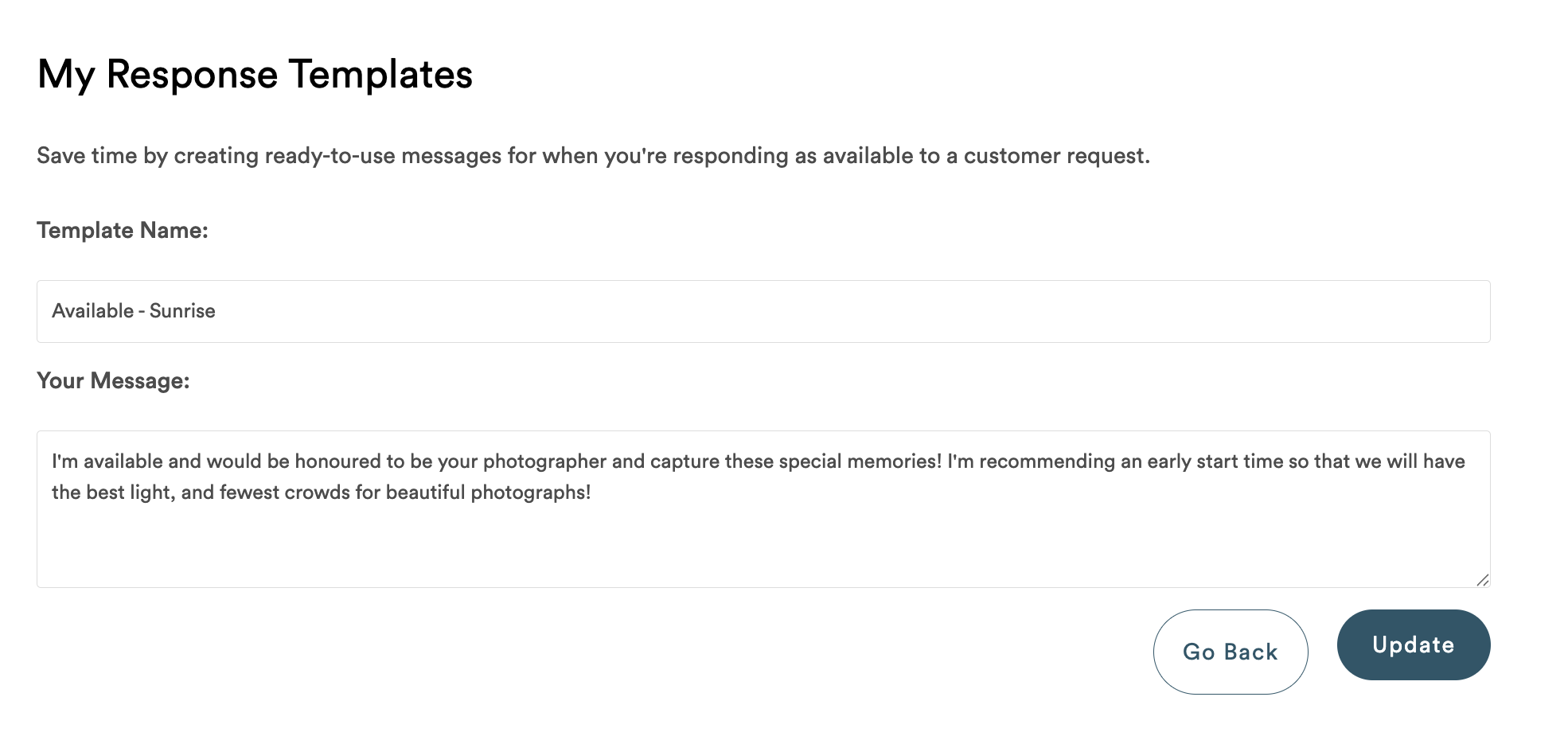
Once a template has been added, you can edit the name and/or message by clicking the Edit button. Once you’ve completed your edits, click the Update button to save, or the Go Back button to stop editing without saving your changes.
You can also delete your templates by clicking the Delete button, and then clicking the Confirm Delete button. If you change your mind, you can click the Go Back button and the template will not be deleted.
USING RESPONSE TEMPLATES
When you receive an inquiry, you will have the opportunity to use one of your response templates.
- Open your Inquiry tab and click on an item to Respond to Booking Inquiry.
- Under Requested Dates & Availability, choose whether you are available or unavailable.
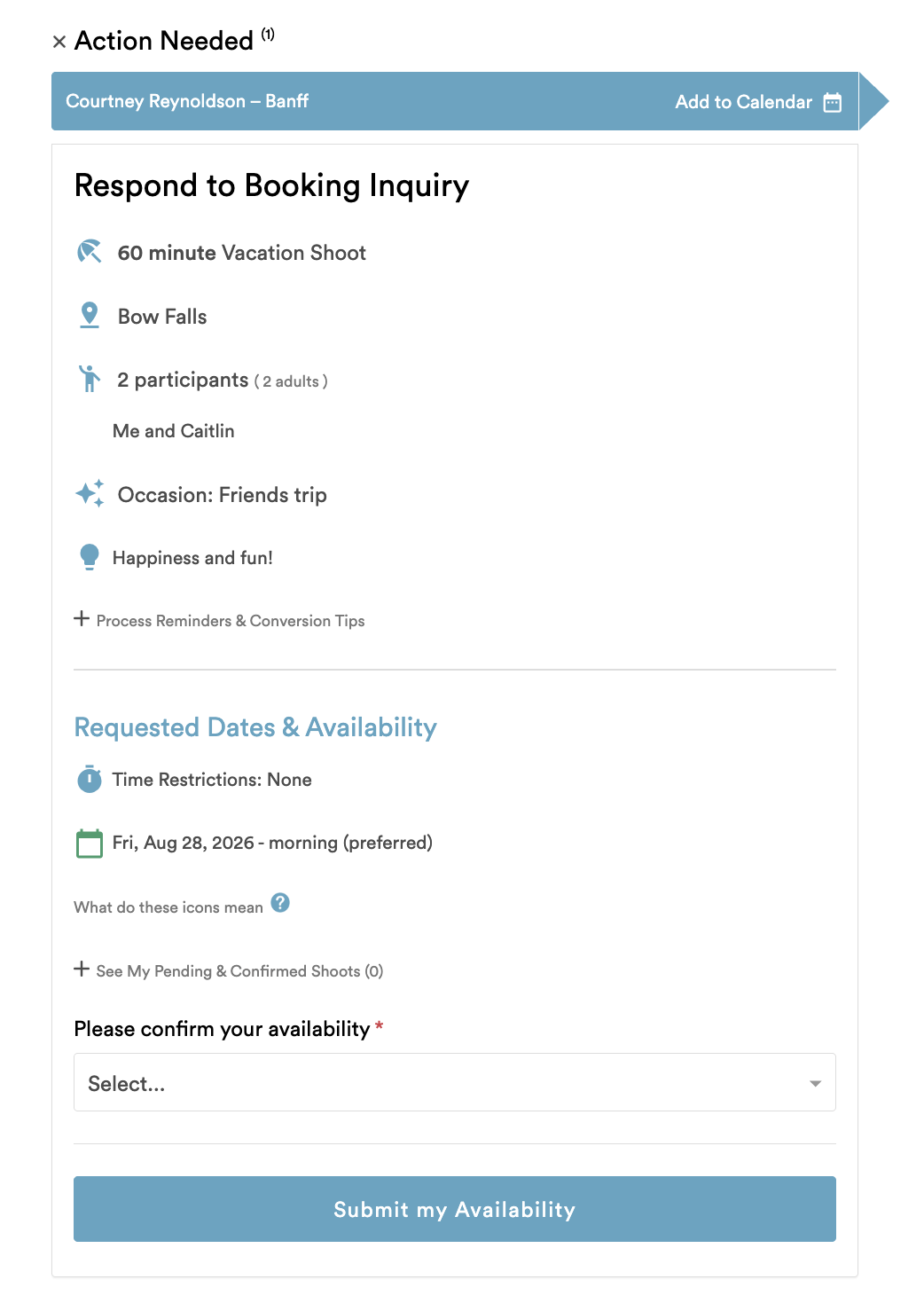
1. Respond to Booking Inquiry
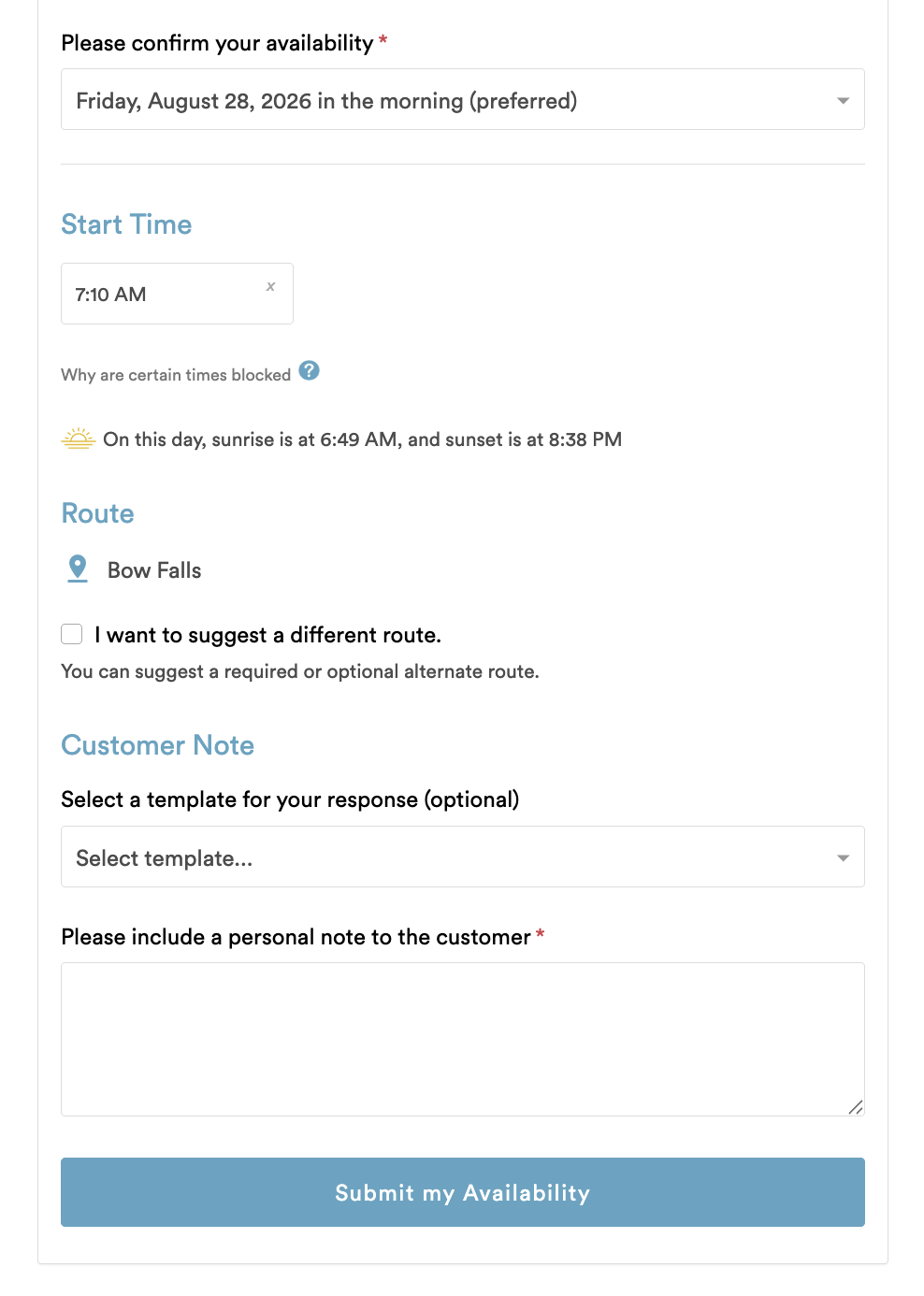
2. Confirm your availability
3. If you are available, you will be able to select a template under the Customer Note section. You may also choose “I don’t want to use a template” if you prefer to write your message from scratch.
4. If you have selected a template, you may edit it as appropriate to make the message a bit more personal. Click Submit My Availability when you’re done.
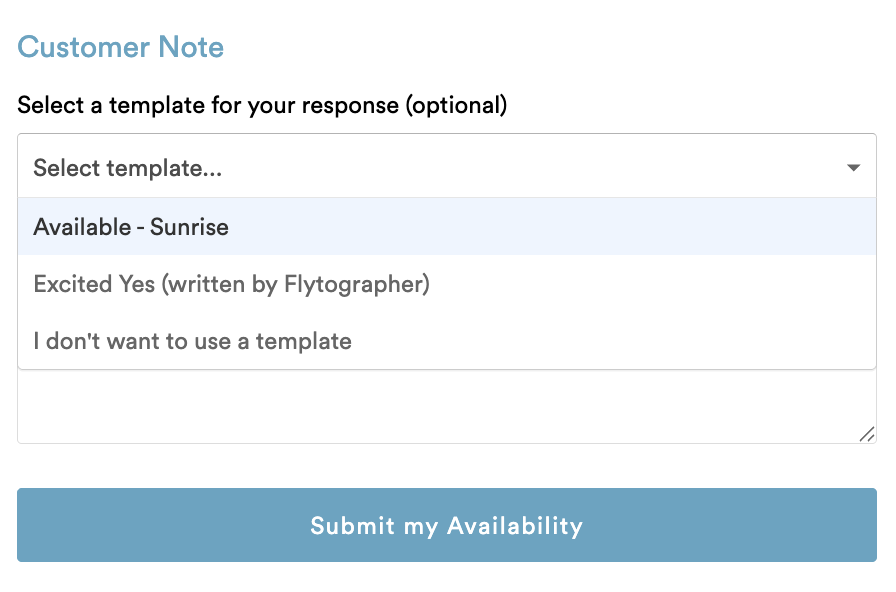
3. Select an Available template
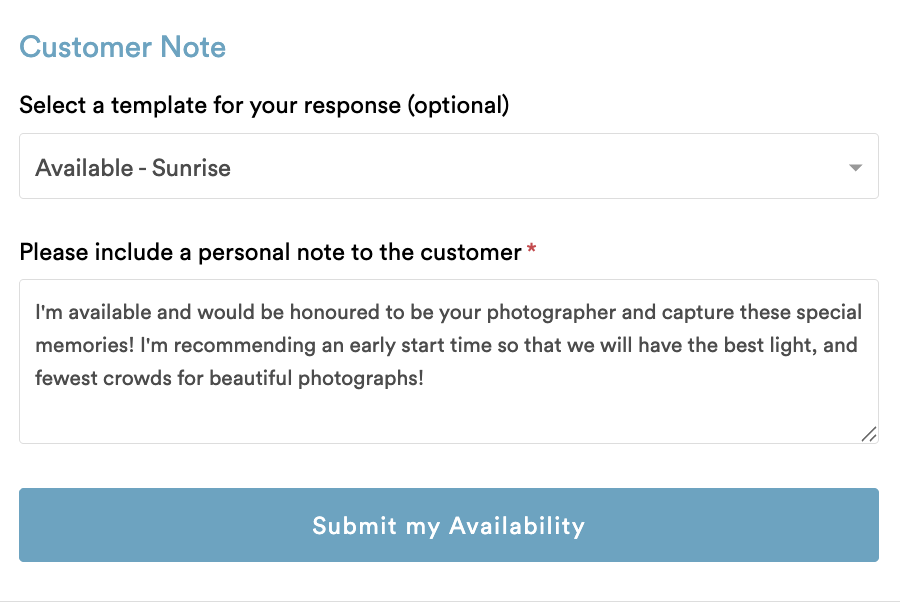
4. Edit your Available template & submit
5. If you are unavailable, you will not be able to see your templates as we do not send personalized notes to customers for unavailable responses at this time.
Header photo by